
How to Use our Platform
Using our Platform for Teachers and Students is very easy!
It is set up in a simple and logical way for everyone to use every day.
Each Course is set up on it’s own Platform including a separate Platform
for Teachers and Students for every year level course.
The Teacher Platform has all Topics, Lessons and Resources set out in a simple
and structured format making it easy to use and navigate during prep time,
and most importantly, during class.
It is designed to enable teaching directly from the Platform including the display
of important resources such as PowerPoints and Videos designed to ehance engagement and learning.
The Student Platforms are a mirror of the Teacher Platform except without the Teacher specific information such as Teaching hints and suggested answers to Student tasks.
We have created simple “how to use” presentations that will very quickly show you how it all works and provide immediate confidence in the wonderful resource
we provide to help you teach this fantastic subject.
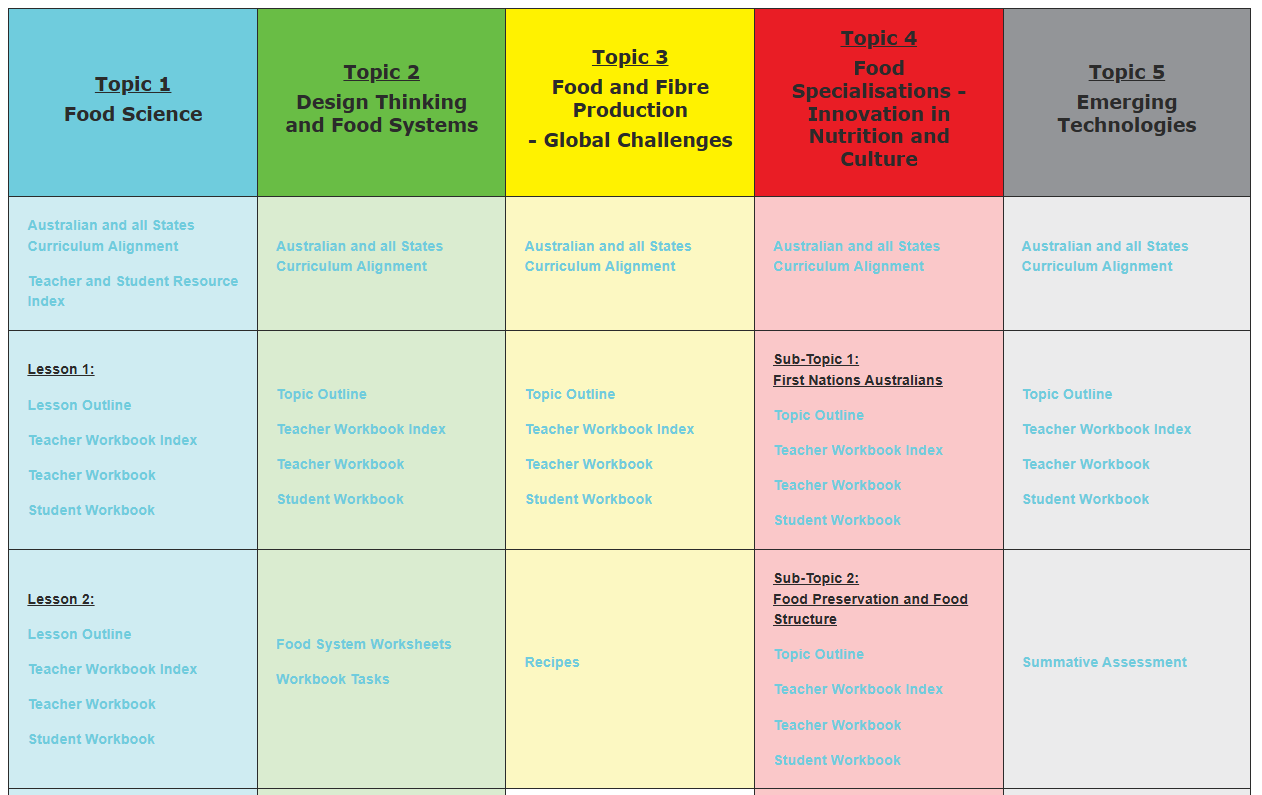
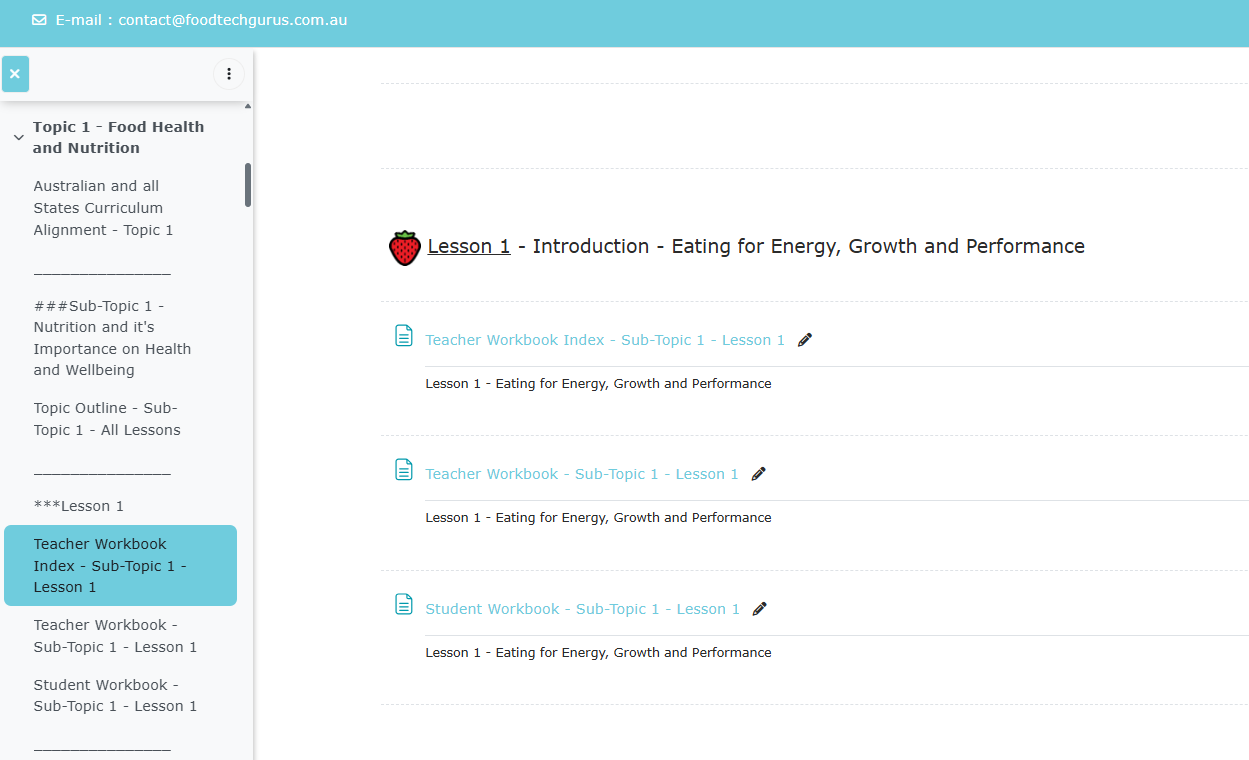

How to use the Year 7&8 and Year 9&10 Teacher and Student Platforms:
Follow the links below to open each presentation.

We have created a Sample Course Platform containing detailed examples of all Resources provided for our Year 7/8, 9 & 10 Courses.
